 Scan to install
SafeMyPhone on Google Play
Scan to install
SafeMyPhone on Google Play
Prepare your phone
Before a loss, install SafeMyPhone, set your owner email, enable permissions, and store your private recovery key somewhere safe.
 SafeMyPhone
Your phone holds more than contacts. Take clear steps to look for it, protect your accounts, and review recovery evidence from a trusted device.
SafeMyPhone recovery requires the app to have been installed and configured before the loss, with the required permissions and connectivity.
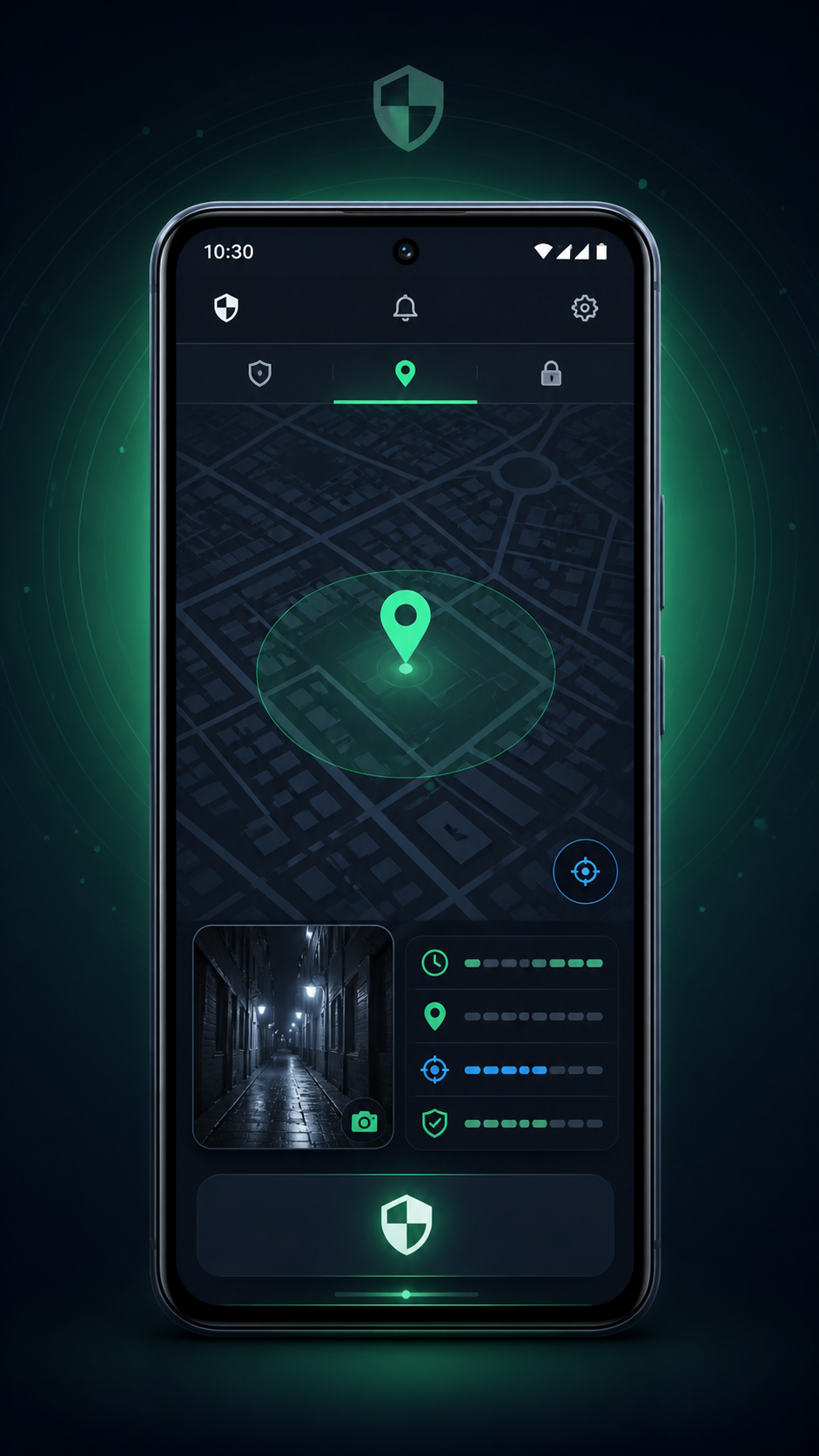
Call it and check nearby places. Use Google Find Hub with the Google account already linked to the phone. If you suspect theft, do not confront anyone or follow a location alone.
Before a loss, install SafeMyPhone, set your owner email, enable permissions, and store your private recovery key somewhere safe.
Check your owner email for available photos, location details, and timestamps. Compare the capture time with the delivery time.
Open private recovery with your recovery key, owner contact, and verification answer. Keep those details private.
Contact your carrier, secure important accounts, and save evidence for a theft report. Read the consequences before remotely erasing the phone.
A location can be approximate, delayed, or unavailable. Always check its timestamp before deciding what to do next.
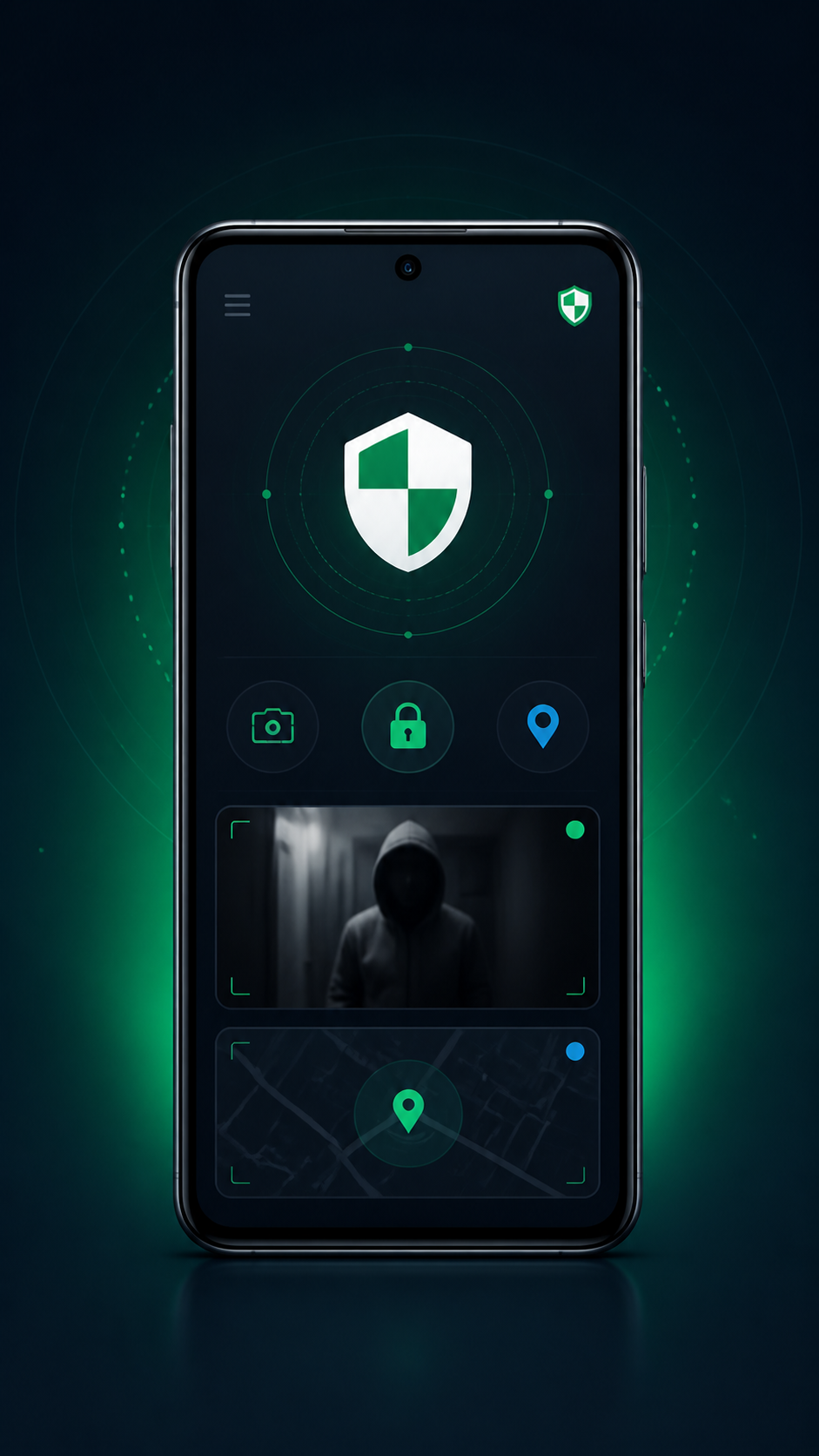
Configured security triggers may capture useful clues. Photos are evidence to preserve, rather than proof of a person's identity or guilt.
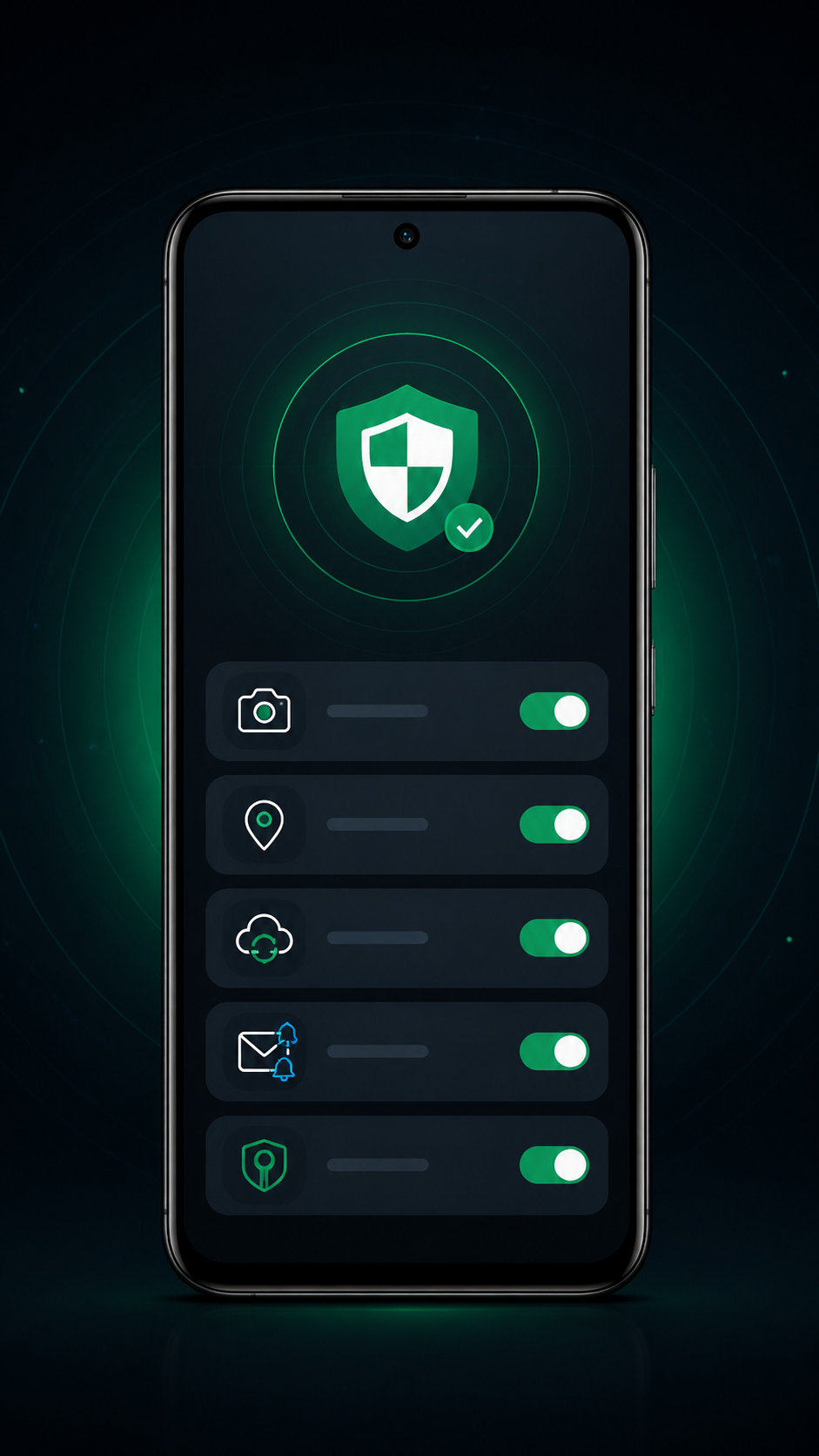
Your recovery key and owner verification help protect access. Never share your key, passwords, PINs, or verification codes with a stranger.
SafeMyPhone cannot collect recovery evidence retroactively. Use the official finding service already configured on the phone, contact your carrier, and protect your accounts.
SafeMyPhone cannot send live alerts without connectivity. Review previously delivered evidence. Official finding options depend on the phone's supported features and prior settings.
Remote erasure can protect personal data but may stop later location and app evidence. Save available evidence and review the finding service's warning before confirming.
Already set up SafeMyPhone? Check private recovery. Need a clear action list? Start your recovery plan.
The recovery tools and site navigation currently use English.