
 Scan to install
SafeMyPhone on Google Play
Scan to install
SafeMyPhone on Google Play
How to Recover a Lost Android Phone: Step-by-Step Guide
Start with the finding service already connected to your phone. Then check saved alerts, verify ownership, and protect the accounts that matter most.
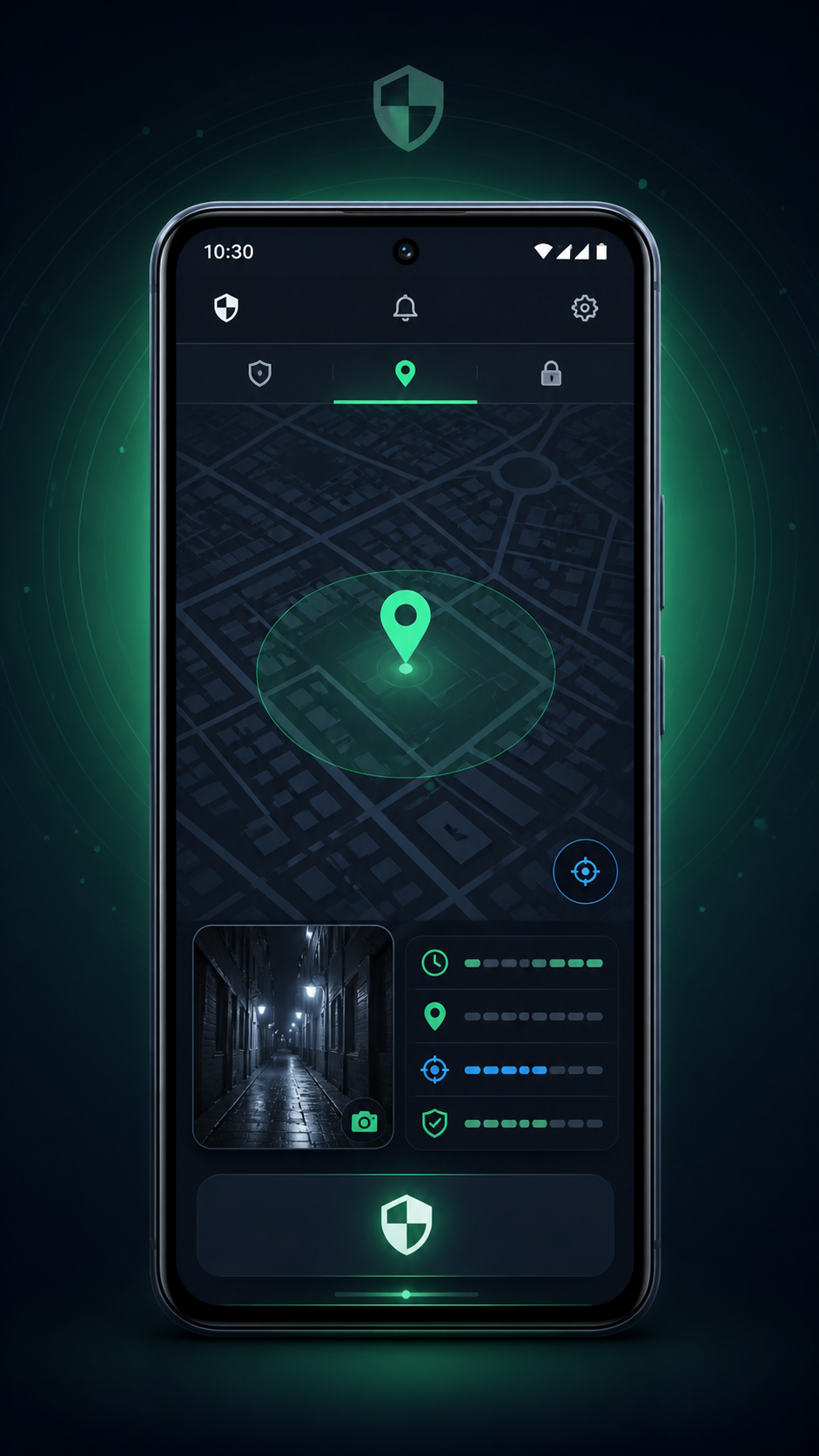
Phone missing now? Start here
- Call your phone and check the places you recently visited.
- Open Google Find Hub with the Google account already linked to the missing phone.
- If SafeMyPhone was configured before the loss, check your owner email and private recovery.
- Save available evidence, protect important accounts, and contact your carrier when needed.
1. Check the finding service already set up
From a trusted computer or another phone, open Google Find Hub. Sign in with the account associated with the lost device and select the correct phone. Check the reported location, its time, and the controls offered for that device.
If you think the phone is nearby, try the sound option. If it appears lost elsewhere, review the available lost-device or lock controls. Finding, locking, and erasing depend on the device and its prior configuration. Follow Google's official instructions for finding, securing, or erasing a lost Android device.
For device-specific options, use our Android recovery guides by brand. Keep the time shown beside a location in mind: an earlier reading does not establish where the phone is now.
2. Review SafeMyPhone alerts as evidence
If SafeMyPhone was installed and configured before the loss, check the owner email for alerts already delivered. Depending on permissions, enabled triggers, background operation, and connectivity, these may include intruder photos, GPS details, timestamps, or other device clues.
Create a simple record for each alert: what happened, when the evidence was captured, when it arrived, and which device it belongs to. A delayed email can describe an older event. A photo can be useful evidence without establishing a person's identity or proving theft.
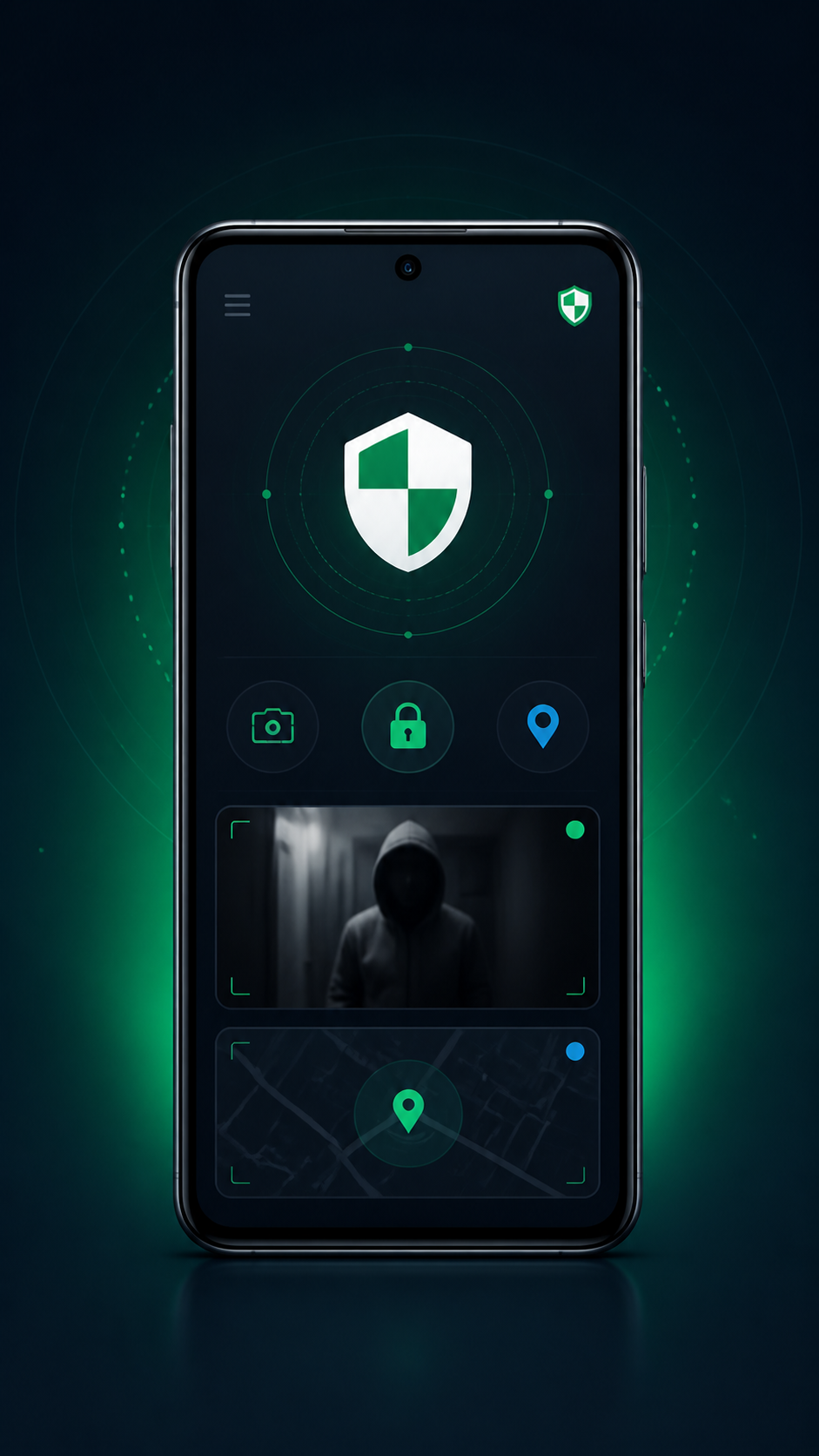
| Evidence | Useful check | Limit to remember |
|---|---|---|
| Location | Capture time and any accuracy information | May be approximate, delayed, or unavailable |
| Photo | Original image and event timestamp | Does not prove identity or guilt |
| Email alert | Device details and capture versus delivery time | Delivery time can differ from event time |
For more detail, read about GPS email alerts and intruder photo alerts on Android.
3. Check your private recovery page
Open SafeMyPhone private recovery from a trusted device. Have your saved recovery key, owner contact details, and verification answer ready. Complete the requested ownership checks, then review the available recovery result.
Use the information you saved during setup. Never give your recovery key, email password, screen-lock PIN, or verification codes to someone who claims to have found the phone. If the app was not set up beforehand, it cannot create past recovery evidence.
Learn how to store your private recovery key securely. For a broader overview of the available paths, visit lost phone recovery.
4. Protect accounts, SIM, and saved evidence
If you cannot safely recover the device, contact your carrier through its official website, phone number, or store. Ask about protecting or replacing the SIM. Consider the effect on any remaining mobile connection before suspending it.
From a secure device, review access to your main email, banking, and work accounts. Save alert emails, screenshots, times, the device model, and available ownership records together. For a suspected theft, follow the local reporting process and provide relevant evidence.
Remote erasure may protect personal data while stopping later location or app evidence. Preserve what is available and read the finding service's warning before confirming. Our stolen-phone action guide can help organize the follow-up.
5. Prepare a recovery path before another loss
When your phone is back, or when setting up a replacement, check the official finding service and account recovery options. If you use SafeMyPhone, install it, set the owner email, grant the permissions required for the features you enable, and keep your recovery key somewhere accessible without that phone.
Review the app?s setup instructions and confirm your chosen protection settings. Store ownership details and account backup options securely. Preparation gives you information to work with during a loss; recovery still depends on the device?s state and connectivity.
Use our Android recovery checklist to organize these tasks, or create a personal recovery action plan.
Common Android recovery questions
Can I recover a phone if SafeMyPhone was not installed?
SafeMyPhone cannot collect past evidence retroactively. Use the official finding service already configured on the phone, check account recovery options, contact your carrier, and protect sensitive accounts.
Can SafeMyPhone send alerts while the phone is offline?
Live delivery requires connectivity. Review previously delivered alerts. Google's offline finding options depend on supported features and prior settings; see how Find Hub handles location data.
Can an IMEI or phone number locate any lost phone?
A normal website cannot locate any phone simply from its number or IMEI. Keep the IMEI as an identifier for carrier or reporting procedures. Read our guide to IMEI and lost-phone recovery before paying for a tracking claim.
What should I save before remotely erasing my phone?
Save available alert emails, screenshots, capture times, device identifiers, and ownership records. Read the service's erase warning because later finding and evidence options may stop.